Contents
- Getting Started
- Deployment
- Login Page
- Enabling two-factor authentication (2FA)
- User Management
- Change Ownership Dialog
- Change User Password Dialog
- Lock/Restore Account
- Enabling LDAP Authentication
- Enabling Kerberos Authentication
- Enabling OAUTH2 and OIDC Authentication
- Enabling Webserver Authentication
- User Interface
- Menu Bar
- Toolbar
- Object Explorer Filter
- Tabbed Browser
- Tree Control
- Preferences
- Keyboard Shortcuts
- Search objects
- External database for pgAdmin user settings
- Connecting To A Server
- Managing Cluster Objects
- Managing Database Objects
- Creating or Modifying a Table
- Management Basics
- Backup and Restore
- Developer Tools
- Processes
- pgAgent
- pgAdmin Project Contributions
- Release Notes
- Licence
Change Ownership Dialog
Use the Change Ownership dialog to change the ownership of the shared servers. This dialog will appear if a user has been deleted from User Management and owned some shared servers.
Choose the user who will own the shared servers from the drop-down.
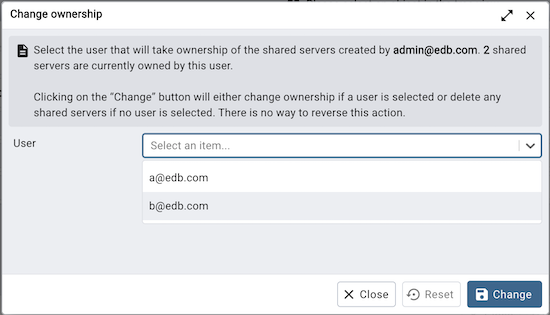
Click the Change button to change the ownership.
The shared servers owned by the user will be deleted if the user is not selected from the drop-down.
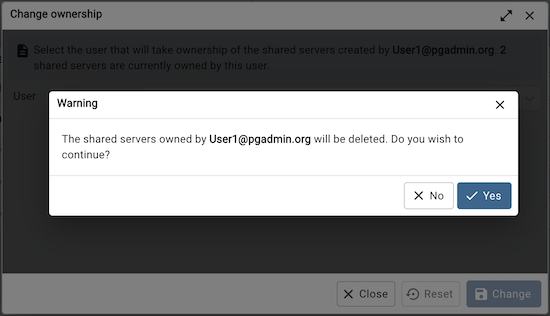
Click the Change button to change the ownership; click Close to exit the dialog.