View/Edit Data Filter
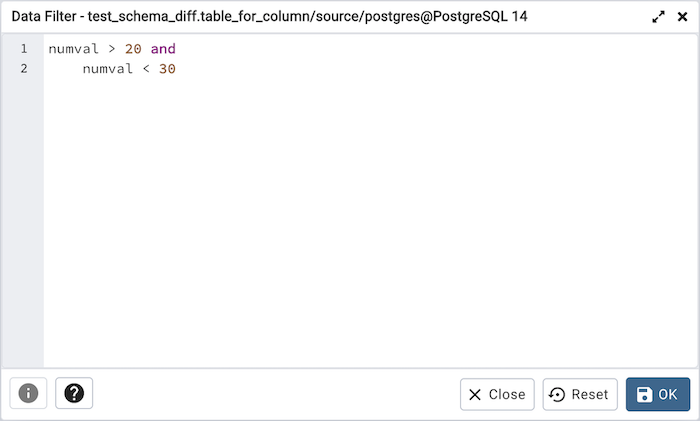
You can access Data Filter dialog by clicking on Filtered Rows toolbar button visible on the Browser panel or by selecting View/Edit Data -> Filtered Rows context menu option.
This allows you to specify an SQL Filter to limit the data displayed in the edit grid window: